


MapLibre GL JS is the foundational JavaScript library that powers interactive vector maps in web browsers. Built with WebGL for high-performance rendering, it supports custom map styles, real-time data visualization, and extensive customization options. Perfect for developers who want direct control over map functionality without framework abstractions.
Quick start
npm install maplibre-glimport {Map, setWorkerUrl} from 'maplibre-gl';
import 'maplibre-gl/dist/maplibre-gl.css';
import workerUrl from 'maplibre-gl/dist/maplibre-gl-worker.mjs?worker&url';
// MapLibre GL JS v6 + a bundler: set the worker URL once (Vite shown)
setWorkerUrl(workerUrl);
const map = new Map({
container: 'map', // <div id="map" style="height: 400px"></div>
style: 'https://tiles.openfreemap.org/styles/liberty',
center: [0, 20], // [lng, lat]
zoom: 2
});›No bundler (CDN, ES module)
<link rel="stylesheet" href="https://unpkg.com/maplibre-gl@^6.11.2/dist/maplibre-gl.css" />
<div id="map" style="height: 400px"></div>
<script type="module">
  import * as maplibregl from 'https://unpkg.com/maplibre-gl@^6.11.2/dist/maplibre-gl.mjs';

  const map = new maplibregl.Map({
    container: 'map',
    style: 'https://tiles.openfreemap.org/styles/liberty',
    center: [0, 20],
    zoom: 2
  });
</script>›Setup noteschecked with v6.11.2
Current release is maplibre-gl 6.11.2 (v6), not v5. v6 ships as ES modules only: use named imports (import {Map} from 'maplibre-gl') or a namespace import. The default import (import maplibregl from 'maplibre-gl') no longer works. With a bundler you must call setWorkerUrl() once before the first map is created. Without it the worker fails to load and no tiles render. The snippet shows the Vite setup from the official docs. Use ?worker&url, not ?url, because ?url leaves out the worker's sibling file maplibre-gl-shared.mjs in production builds. For webpack 5+ use setWorkerUrl(new URL('maplibre-gl/dist/maplibre-gl-worker.mjs', import.meta.url).toString()). For Next.js (Turbopack or webpack), esbuild and Rollup, copy maplibre-gl-worker.mjs and maplibre-gl-shared.mjs into your served output and point setWorkerUrl at the worker (see the Installation section of the docs). Loading from a CDN with <script type="module"> needs no setWorkerUrl (see the alternative snippet); pin the major version (e.g. @^6.11.2), because the v5 to v6 migration guide warns that a page pinned to @latest shows a blank gray map with a 404. Import the CSS: markers, popups and controls need it. The map container must have a height. v6 requires WebGL2.
Other platforms are on SDKs.
Used by 103 products
See all →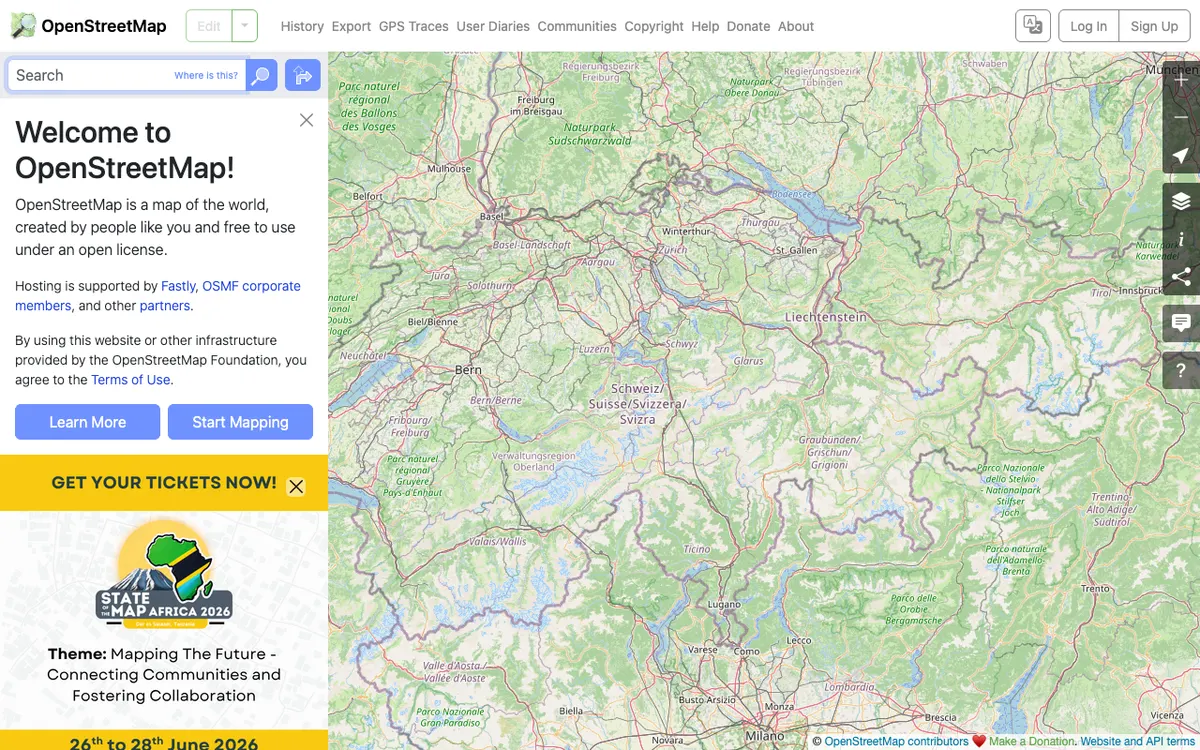

OpenStreetMap
Free wiki world map whose data is available under the ODbL, with whole-planet downloads, Shortbread vector tiles, and an editing API for contributing data back.
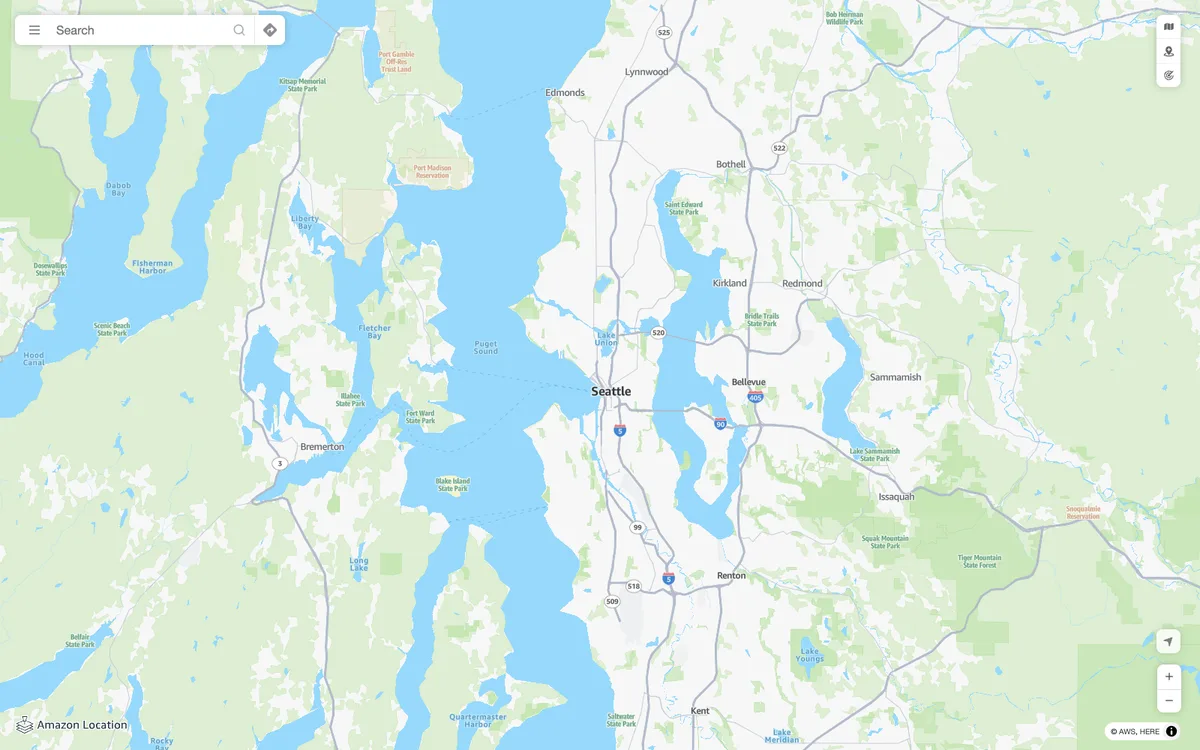

Amazon Location Service
AWS managed mapping platform with map tiles, styles, and static map images, plus geocoding, place search, routing, geofencing, and device tracking APIs.
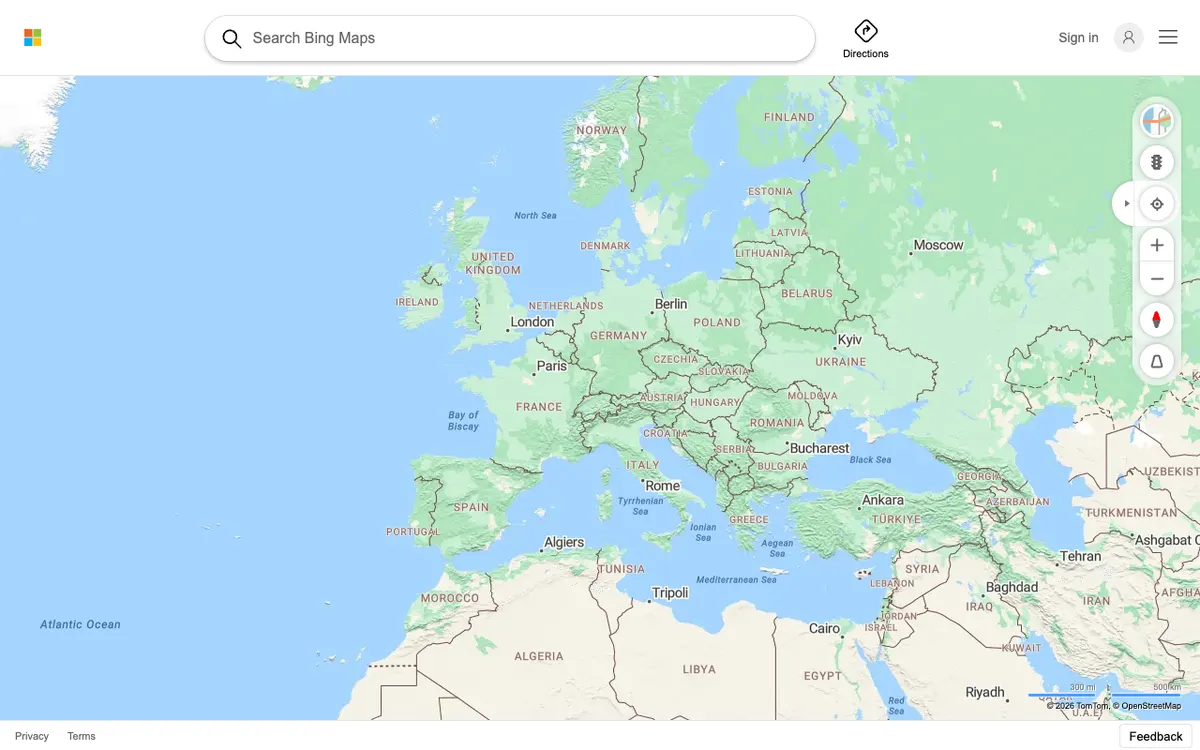

Bing Maps
Web maps from Microsoft, redesigned in 2023 on an open-source stack with vector rendering.
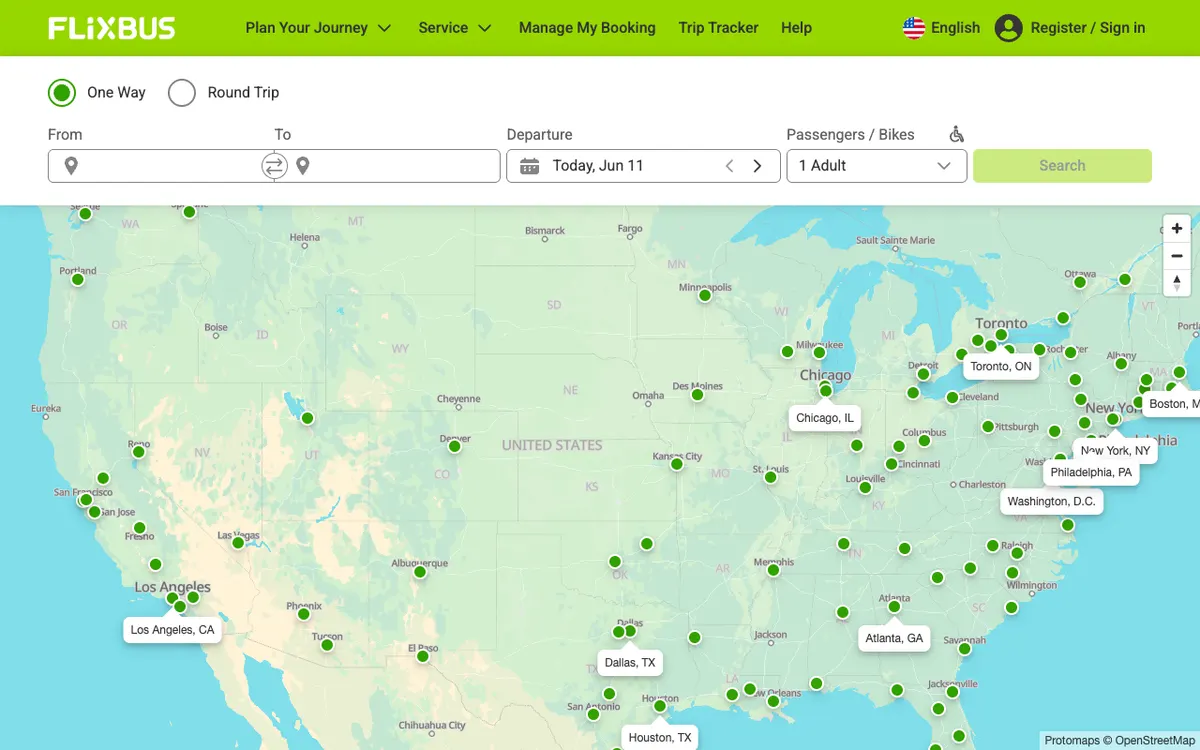

FlixBus
Bus travel service with a route network and connections across Europe and beyond, shown on a map of its routes.
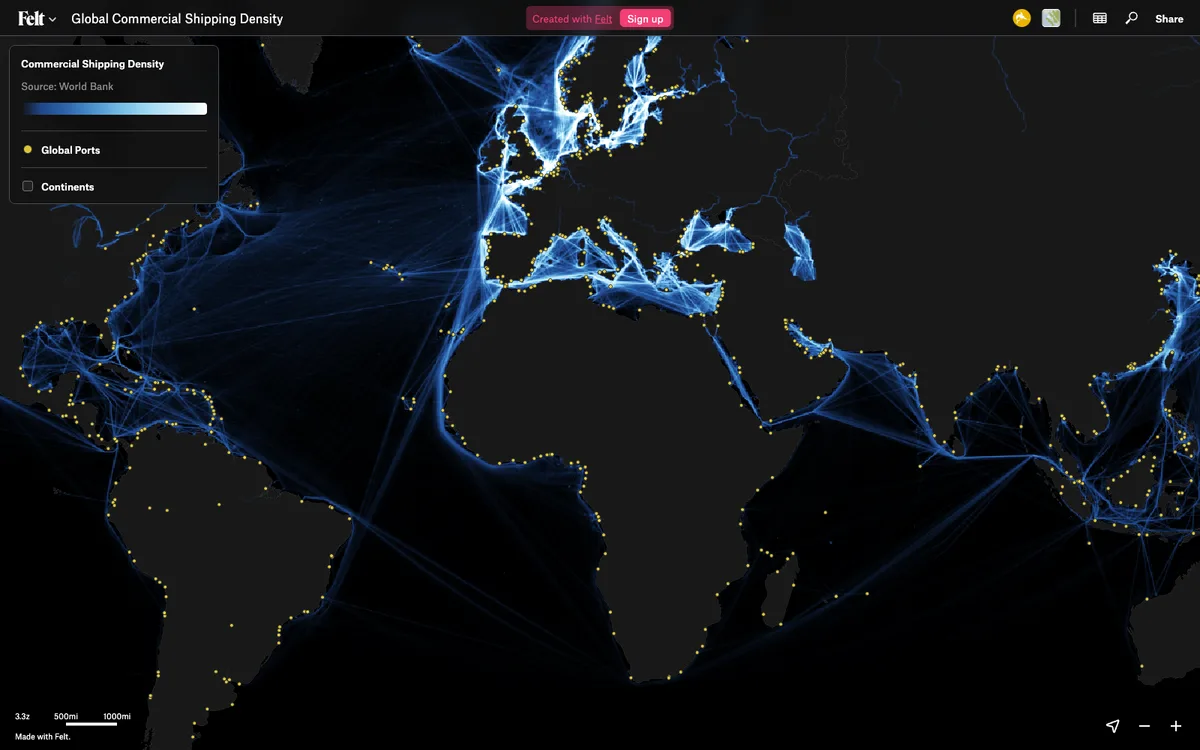

Felt
Cloud-native collaborative GIS for uploading geodata, running spatial analysis, building dashboards, and sharing or embedding maps, all in the browser.
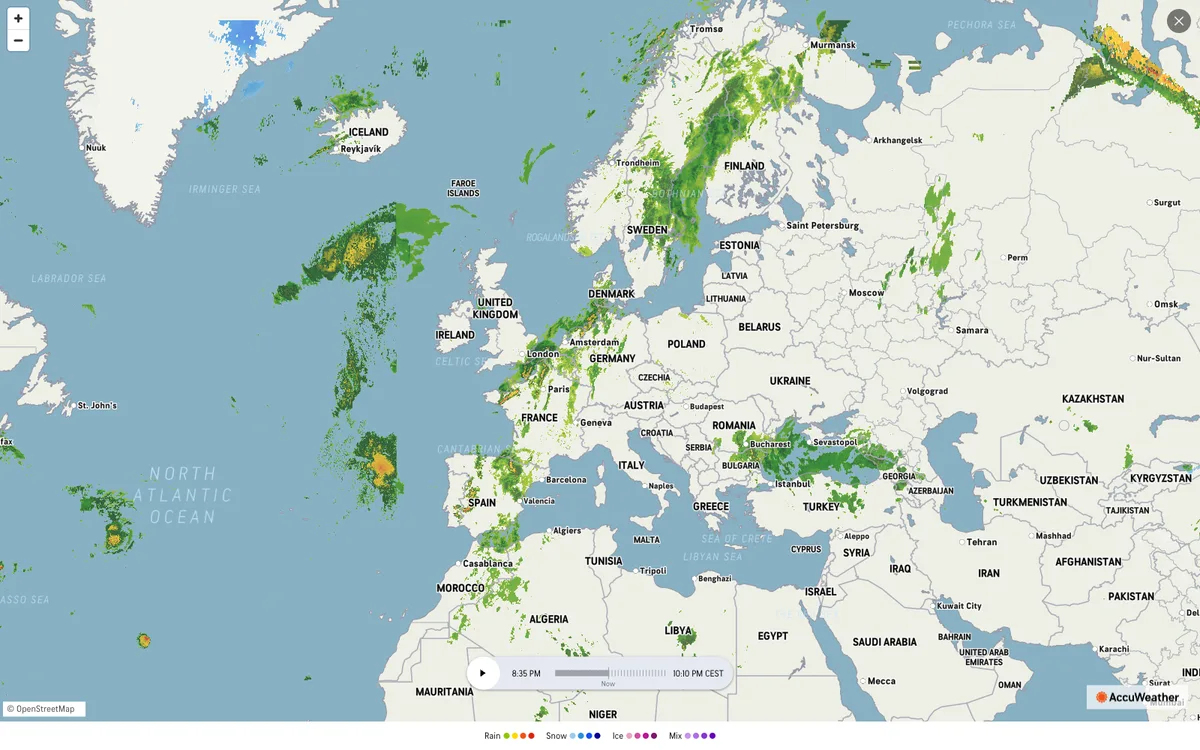

AccuWeather
Global weather forecasting service with radar maps, plus a weather API for forecasts, current conditions, severe weather alerts, minute-by-minute precipitation, lightning, and tropical cyclone data.