


Svelte MapLibre
Svelte components for MapLibre GL JS
Maintained by Daniel Imfeld
Svelte MapLibre offers a collection of Svelte components that make it easy to build interactive maps with MapLibre GL JS while leveraging Svelte's reactivity system.
Quick start
npm install svelte-maplibre maplibre-gl<script module>
import * as maplibregl from 'maplibre-gl';
import maplibreWorkerUrl from 'maplibre-gl/dist/maplibre-gl-worker.mjs?worker&url';
// MapLibre GL JS v6 + a bundler: set the worker URL once (Vite shown)
maplibregl.setWorkerUrl(maplibreWorkerUrl);
</script>
<script>
import { MapLibre } from 'svelte-maplibre';
</script>
<MapLibre
center={[0, 20]}
zoom={2}
class="map"
style="https://tiles.openfreemap.org/styles/liberty"
/>
<style>
:global(.map) {
height: 400px;
}
</style>›Setup noteschecked with v2.0.1
Version 2 requires Svelte 5 and depends on maplibre-gl ^6.7.0. The component imports maplibre-gl.css itself, so no CSS import is needed. Install maplibre-gl directly as well, because the snippet imports it to set the worker URL (strict package managers like pnpm need this). Give the map a height through the class, or it renders at zero height.
Other platforms are on SDKs.
Used by 3 products
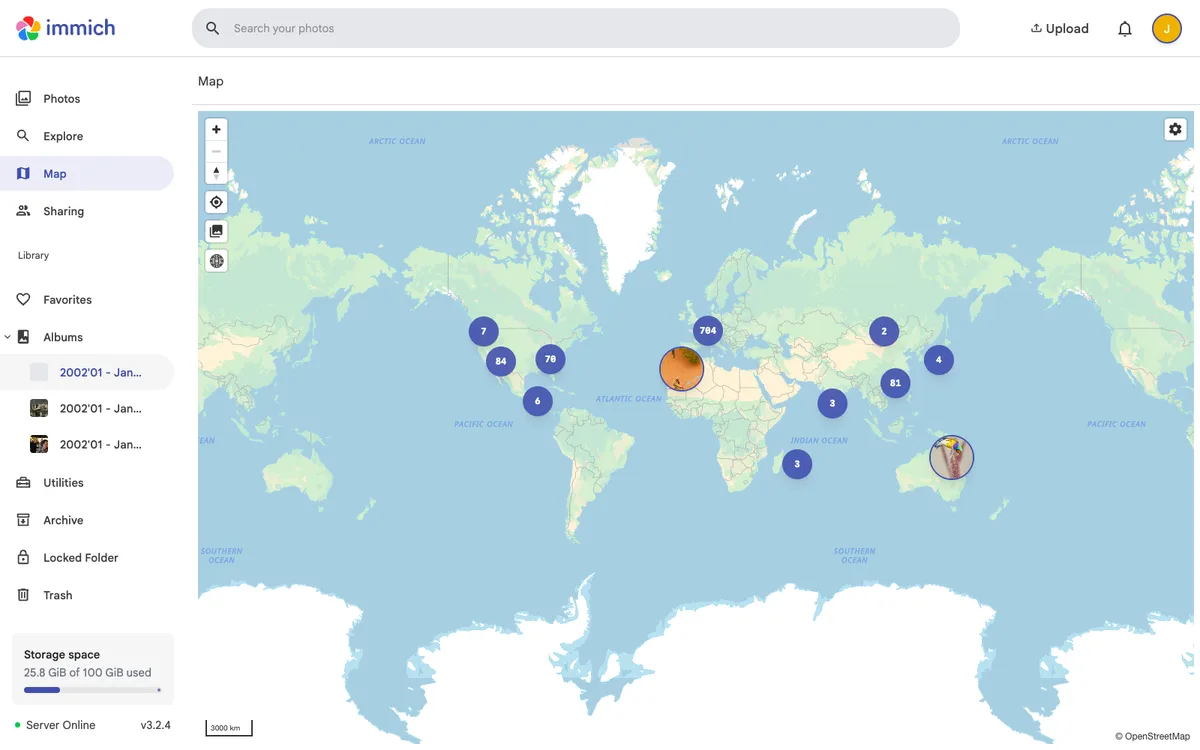

Immich
Self-hosted, open-source photo and video backup and management solution, with web and mobile apps, a map of geotagged photos, and a REST API with TypeScript and Dart SDKs.
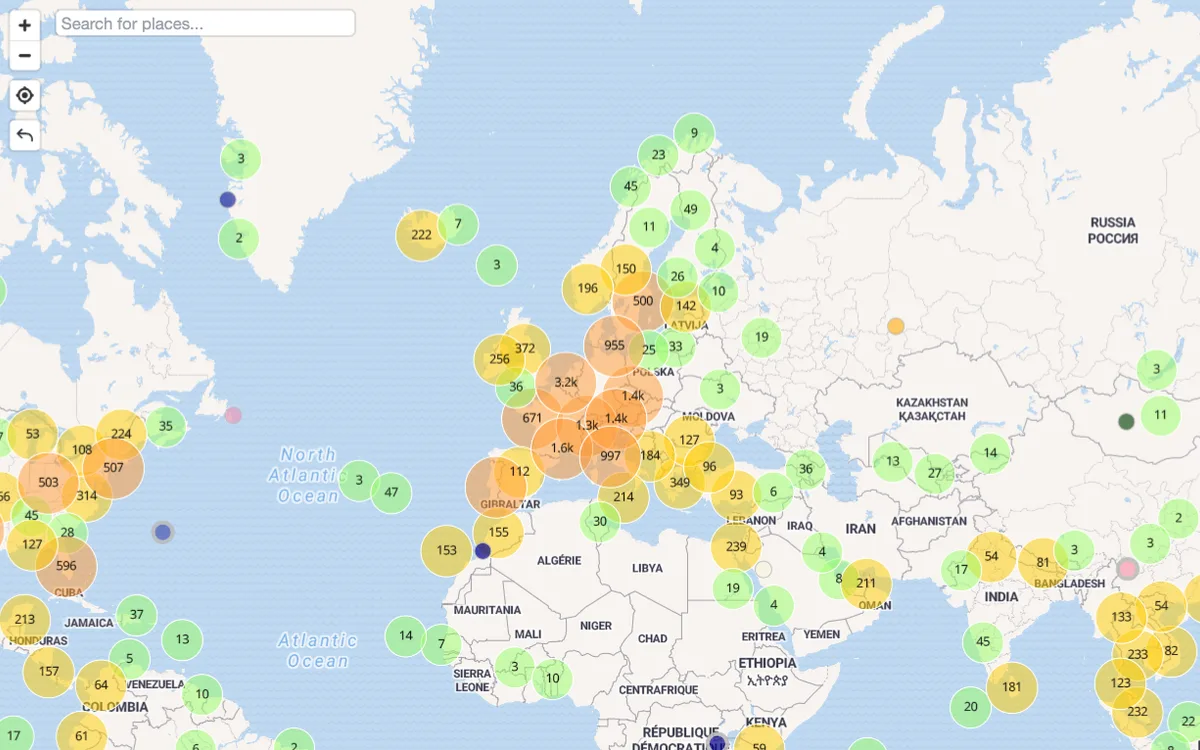

Famxplor
Interactive world map of vacation activities tried by families, gathered from family travel blogs. Its activity data is also available as a REST API and an MCP server for AI travel agents.
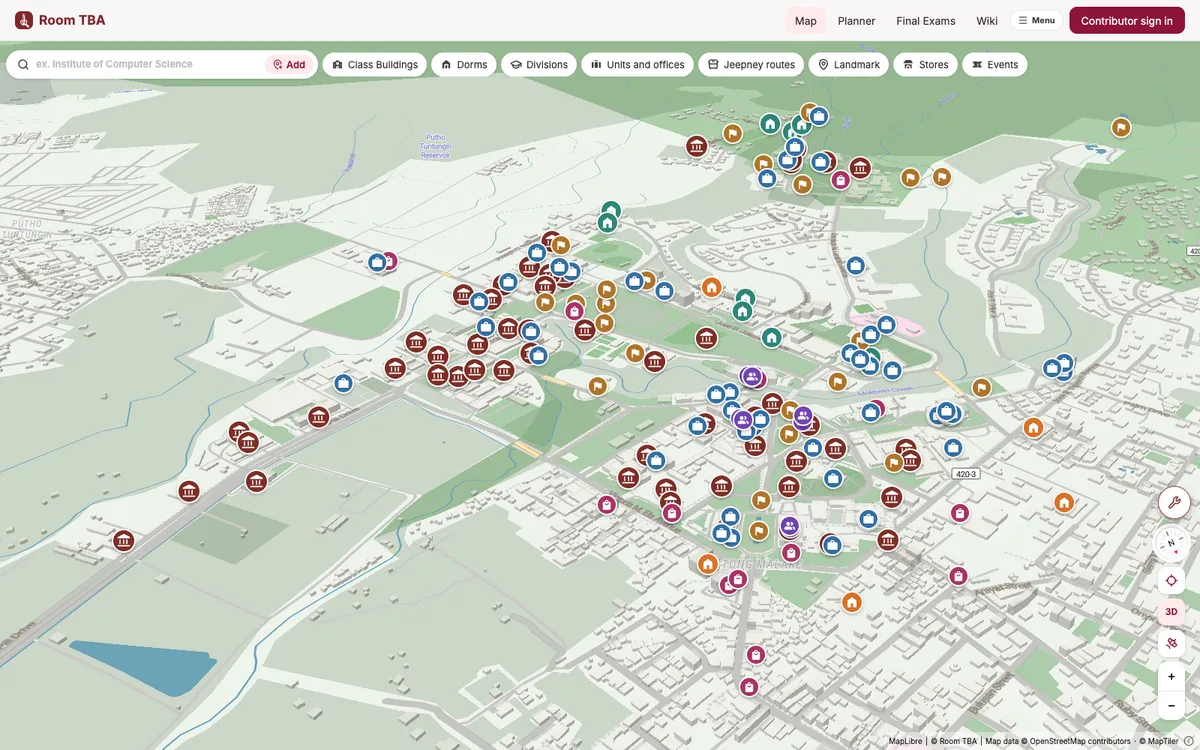

Room TBA
Open-source campus map and class finder for the University of the Philippines Los Baños: search a room, building, or course, see class schedules, and route to it.