


React Map GL
React wrapper for MapLibre GL JS
Maintained by Vis.gl
React Map GL provides React components that make it easy to visualize and interact with maps in your React applications. It offers a declarative API with components for layers, sources, controls, and popups.
Quick start
npm install react-map-gl maplibre-glimport Map from 'react-map-gl/maplibre';
import {setWorkerUrl} from 'maplibre-gl';
import workerUrl from 'maplibre-gl/dist/maplibre-gl-worker.mjs?worker&url';
import 'maplibre-gl/dist/maplibre-gl.css';
// MapLibre GL JS v6 + a bundler: set the worker URL once (Vite shown)
setWorkerUrl(workerUrl);
export default function App() {
return (
<Map
initialViewState={{longitude: 0, latitude: 20, zoom: 2}}
style={{width: '100%', height: 400}}
mapStyle="https://tiles.openfreemap.org/styles/liberty"
/>
);
}›Setup noteschecked with v8.1.3
Use react-map-gl 8.1.3 with the react-map-gl/maplibre entry point. This is the path documented in the react-map-gl README, its Get Started guide and its examples. @vis.gl/react-maplibre (also 8.1.3) is the same code: react-map-gl/maplibre re-exports it (export * from '@vis.gl/react-maplibre'), and react-map-gl lists it as a dependency. Its standalone repo (visgl/react-maplibre) is archived with a notice that the code moved into react-map-gl, and it has no maintained docs. It still works if you want a smaller dependency tree (import {Map} from '@vis.gl/react-maplibre'), but it is not the documented path. react-map-gl 8.1 supports MapLibre v4, v5 and v6. With v6 and a bundler you must set the worker URL. The snippet uses Vite's ?worker&url import, like react-map-gl's official maplibre example; for other bundlers see MapLibre's Installation docs. Import the CSS. In Next.js, render the map in a 'use client' component and follow MapLibre's Turbopack worker setup instead of the ?worker&url import.
More platforms on Get started.
Used by 2 products
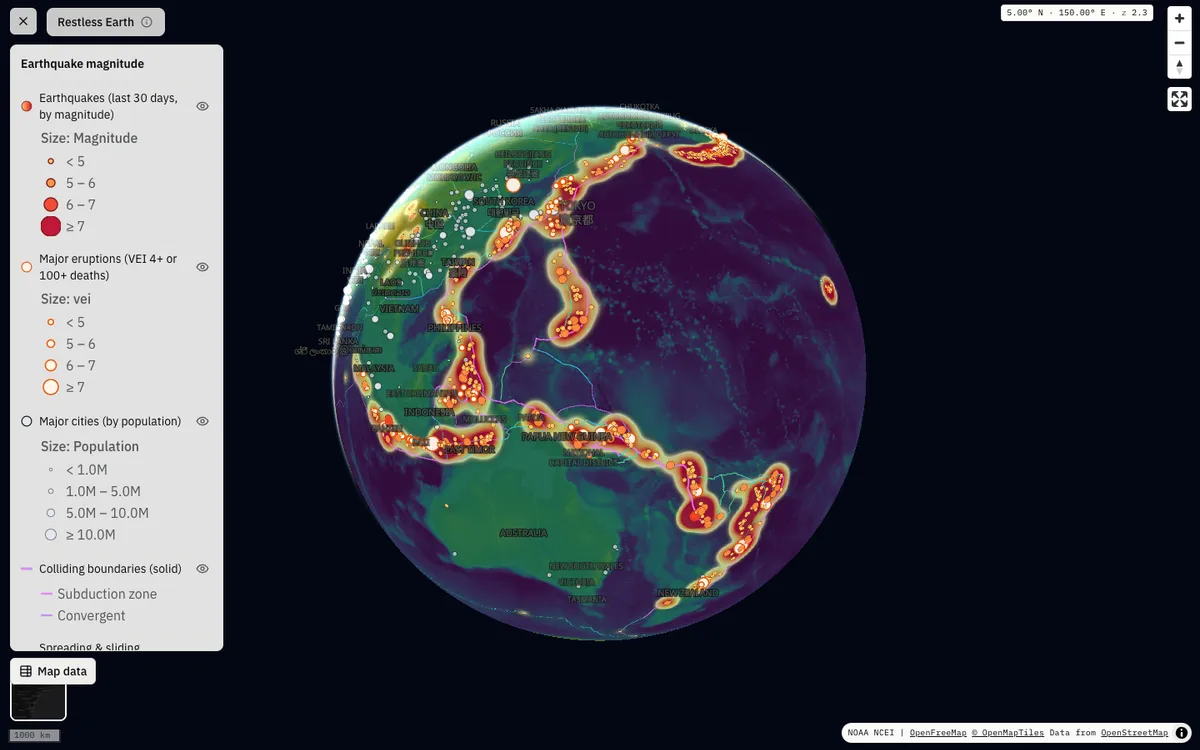

GeoLens
Open-source, self-hosted catalog for geospatial data with semantic search, OGC APIs, and a map builder for composing and sharing multi-layer maps. Map editing and shared maps run on MapLibre GL JS.
GL JS · Web
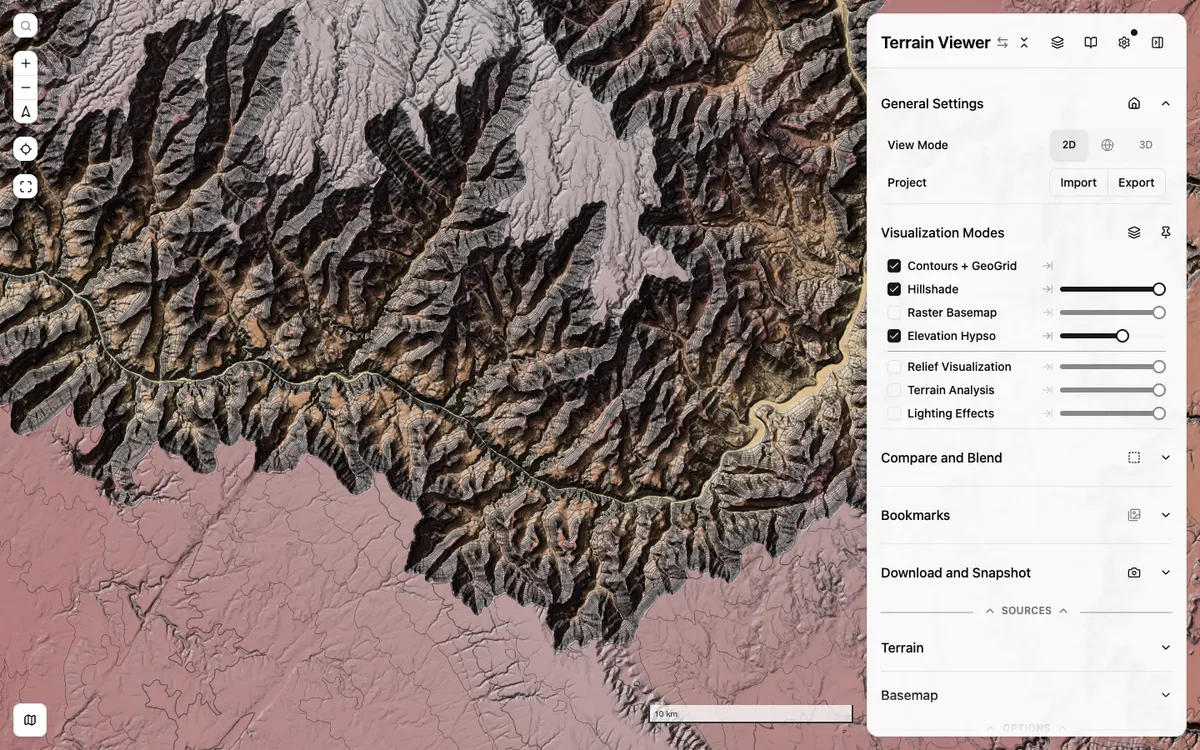

Terrain Viewer
Free web tool for exploring, comparing, and exporting terrain visualizations such as hillshade, hypsometric tint, contours, slope, and sky-view factor over global and national elevation data. It is built on MapLibre GL JS with react-map-gl.
GL JS · Web