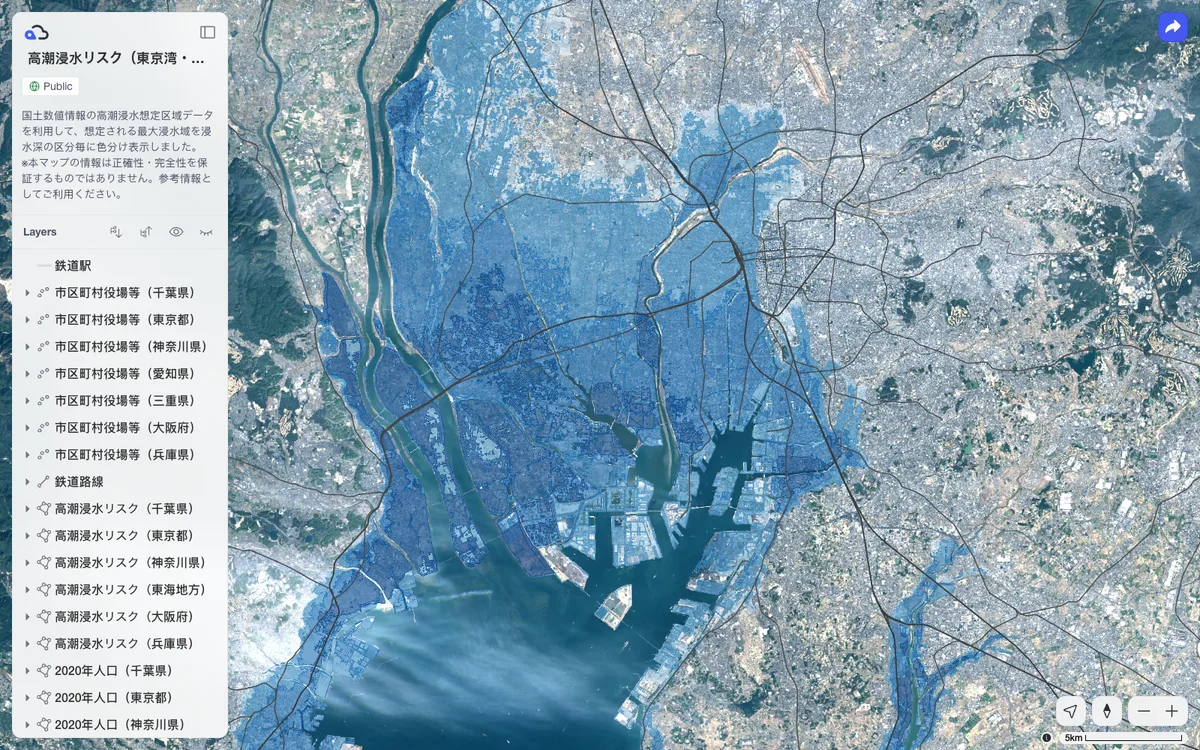


The most declarative and reactive MapLibre GL JS experience, powered by Svelte 5. Features a flexible, minimally opinionated API design suitable for both beginners and experienced MapLibre users, with traditional imperative usage still supported.
Quick start
npm install -D svelte-maplibre-gl maplibre-gl<script lang="ts">
import 'svelte-maplibre-gl/vite'; // Required only for GL JS v6+
import { MapLibre } from 'svelte-maplibre-gl';
</script>
<!-- The map needs a height, otherwise its size is zero -->
<MapLibre
inlineStyle="height: 400px;"
style="https://tiles.openfreemap.org/styles/liberty"
center={[0, 20]}
zoom={2}
/>›Setup noteschecked with v2.2.1
svelte-maplibre-gl 2.2.1, Svelte 5 only (peer svelte >=5), peer maplibre-gl ^5.19.0 or ^6.0.0. The official quickstart installs only svelte-maplibre-gl, since npm and pnpm install the maplibre-gl peer automatically. Listing maplibre-gl explicitly is harmless. With maplibre-gl v6, import 'svelte-maplibre-gl/vite' once: it calls setWorkerUrl with Vite's ?worker&url import, only in the browser, so it is safe under SvelteKit SSR. On the MapLibre component, the style prop is the map style URL. Use class or inlineStyle for CSS (the official examples use the Tailwind class h-[400px]). maplibre-gl.css is loaded automatically from unpkg. Set autoloadGlobalCss={false} if you want to import it yourself.
More platforms on Get started.